Test scenarios
General information
We recommend running the test cases before processing real payments. This section provides detailed scenarios that allow you to:
- verify the correctness and stability of your integration
- simulate various payment situations to ensure the system is ready to handle real transactions and to prevent potential operational issues
For a quick start, use our Postman-collection. Fork it into your private workspace, add your credentials, and run sample requests in minutes.
Requirements:
- You have a merchant portal account and an existing test project with API keys.
- The test project configured by Tranzzo technical support.
- Integration completed.
Direct integration
Prerequisites for starting the test:
- You have a direct integration configured.
- A test project with API keys is created and active.
- Webhook handling and status‑code processing are set up.
| Test case | Action |
|---|---|
| One-step payments (purchase) | One‑stage payment - a payment flow where the full amount is captured from the payer in a single transaction at the time of purchase.
info If PCI DSS certification is in place, card data may be submitted in requests. |
|
|
|
|
| |
|
|
| Refund | Refund - returning funds from the merchant (or payment service) to the payer after a payment has been processed. |
| After a successful payment (Purchase):
|
| After a successful payment (Purchase):
|
| After a successful payment (Purchase):
|
| Get receipt | A receipt is a document for your customer that confirms a successful payment/transaction.
It can be in two formats: PDF or raw HTML. |
Full‑cycle test of One‑step payment (purchase): |
|
Hosted integration
Prerequisites for starting the test:
- You have a Hosted integration configured.
- A test project with API keys has been created and is active.
- Webhook handling and status‑code processing are set up.
| Test case | Action |
|---|---|
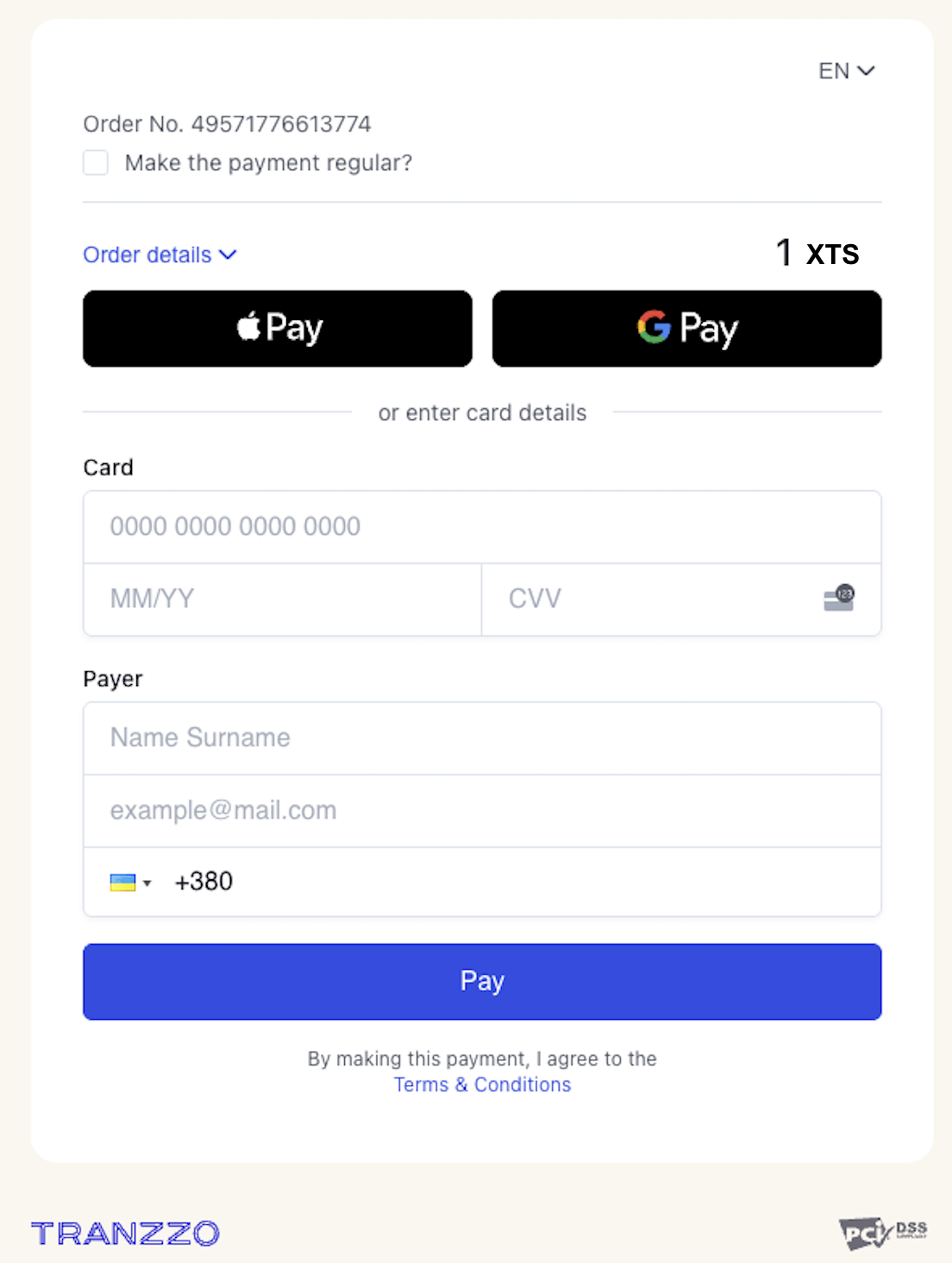
| One-step payments (purchase) |
|
|
|
|
|
|
|
|
|
| Refund | Refund - returning funds from the merchant (or payment service) to the payer after a payment has been processed. |
| After a successful payment (Purchase):
|
| After a successful payment (Purchase):
|
| After a successful payment (Purchase):
|
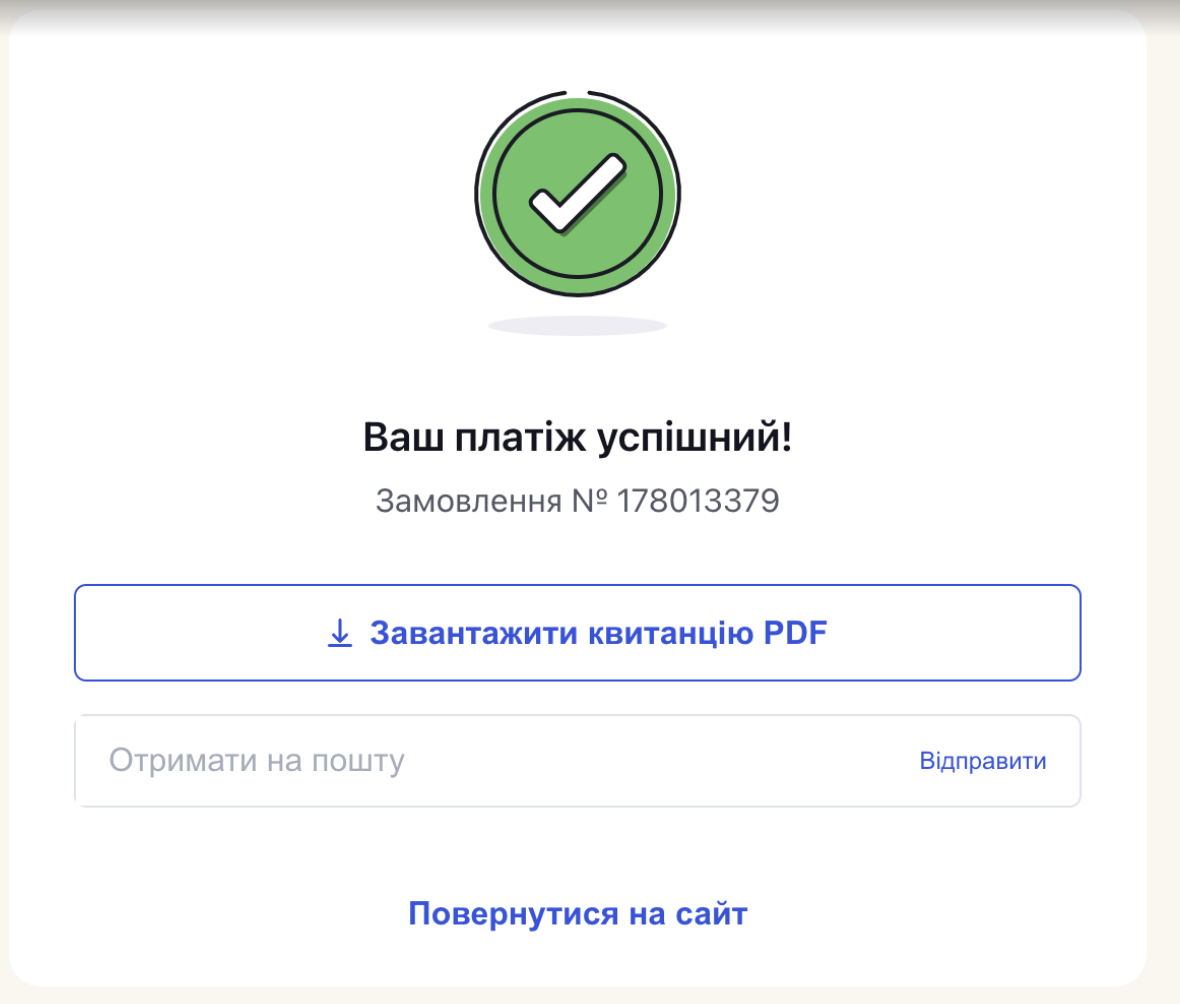
| Get receipt | A receipt is a document for your customer that confirms a successful payment/transaction.
|
Full‑cycle test of One‑step payment (purchase): |
|